
Bomb Farm Tools
Hardware checks and a printable three-team planner for House rotation.
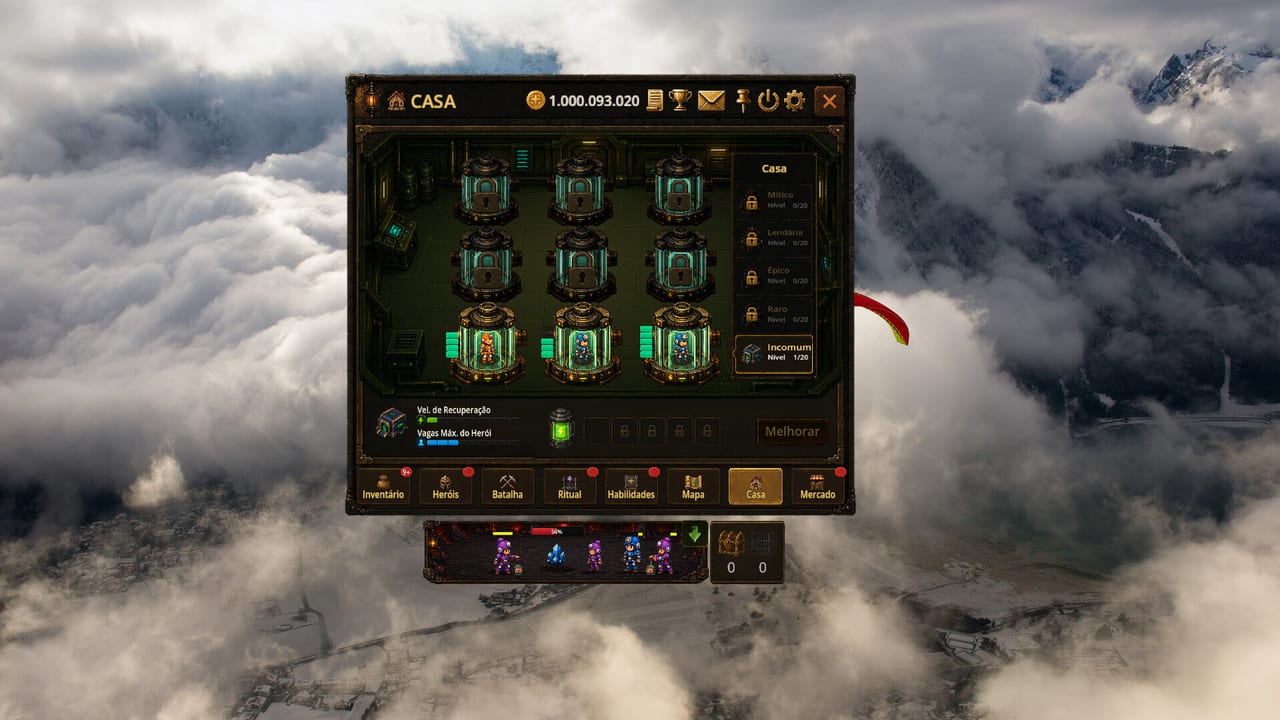
Not every Bomb Farm problem is a Ritual problem. Some are GPUs that hate pinned windows. Some are docks with no names. This hub holds the practical extras: system requirements, the squad planner, achievement notes, and community links. Guides stay in Guides. Ranks stay in the tier list.
We do not ship a live damage calculator with fake coefficients. The client does not expose a public formula sheet. A fake calculator would be fanfiction with extra steps.
What is here
System requirements. Steam’s minimum and recommended lines, plus overlay advice for integrated graphics and small SSDs. Read it before you leave Battle pinned for ten hours on a work laptop.
Squad planner. A checklist that forces you to name Farm, Climb, and Spare, assign roles, and write recovery notes. It exists because three teams is a store sentence that dies in an unnamed House.
Achievement notes. Steam lists 21 badges. The store highlighted Map clears, Full Ritual, Beat the Clock, and House prestige names. Read them as design notes, not a rush list. Inferno Cleared is a poster.
Community links. Steam hub 4892010, discussions, news, the Discord invite this wiki does not host, X, and Kick. Votes and keys live there. Market escrow does not.
Four pages is still a short shelf on purpose. A wiki that invents twenty widgets on day two is a wiki that will lie.
What is not here
No redeem-code box. Bomb Farm is not a Roblox title. No script injector. No Trello mirror. No “secret crystal converter.” If a community spreadsheet of node values becomes real and stable, we will link a method, not scrape a dead Google Sheet.
How to use tools with the rest of the wiki
- Confirm the PC can idle — system requirements.
- Install and clear Easy Quarry — Getting Started.
- Fill the planner — squad planner.
- Play the conveyor — energy.
- Spend — gear and skill tree.
- Read achievement notes so Inferno stays a poster.
- Bookmark community links for Steam news and Discord votes, not escrow.
If a tool and a guide disagree, the guide that cites a tab wins. Tools are paper. The client is the mine.
Why a planner instead of an app
You already pin one overlay. You do not need a second overlay to remember that squad B is the climb dock. Paper, notes app, or this page’s tables are enough. When Stream On adds an in-client team-name field, we will celebrate and delete half the planner. Until then, write the names yourself.
Hardware honesty
Launch reviews called the client light and well optimized. That matches a 1 GB Godot install. It does not match “runs forever on a 2012 iGPU while you also stream.” If the overlay stutters, close the other fullscreen game. Controls will not fix a thermal throttle.
Broadband is not optional. The BombFarm account is online even when Battle is lonely.
When you are done with tools, go back to Battle. Tools that keep you in the wiki instead of the mine are failing.
Frequently Asked Questions
Quick answers to the most common questions.
Is there a Bomb Farm damage calculator?
Not on this wiki. We do not invent formulas. Use Ritual tooltips and Battle.
Do I need a powerful PC?
Minimum is a light 64-bit Windows box with 4 GB RAM. Details: system requirements.
What is the squad planner?
A three-dock checklist so Farm, Climb, and Spare stay distinct. Open squad planner.
Are there code redemption tools?
No. This is a Steam game wiki, not a Roblox code tracker.
Where are the 21 Steam achievements explained?
As design notes on achievement notes. Inferno Cleared is a poster, not a tutorial.
Where do I find Discord, X, and Steam news?
The unofficial community links page. Discord is for votes and keys, not Market escrow.